StegoX - A Modern Steganography Tool
StegoX lets you embed a secret message or an entire image inside a cover PNG. The payload is encrypted with AES-256-GCM before it ever touches the pixel data, and the bits are scattered across high-variance pixels selected deterministically from your password - so the same image and password always produce the same embedding pattern, and the visual result is indistinguishable from the original.
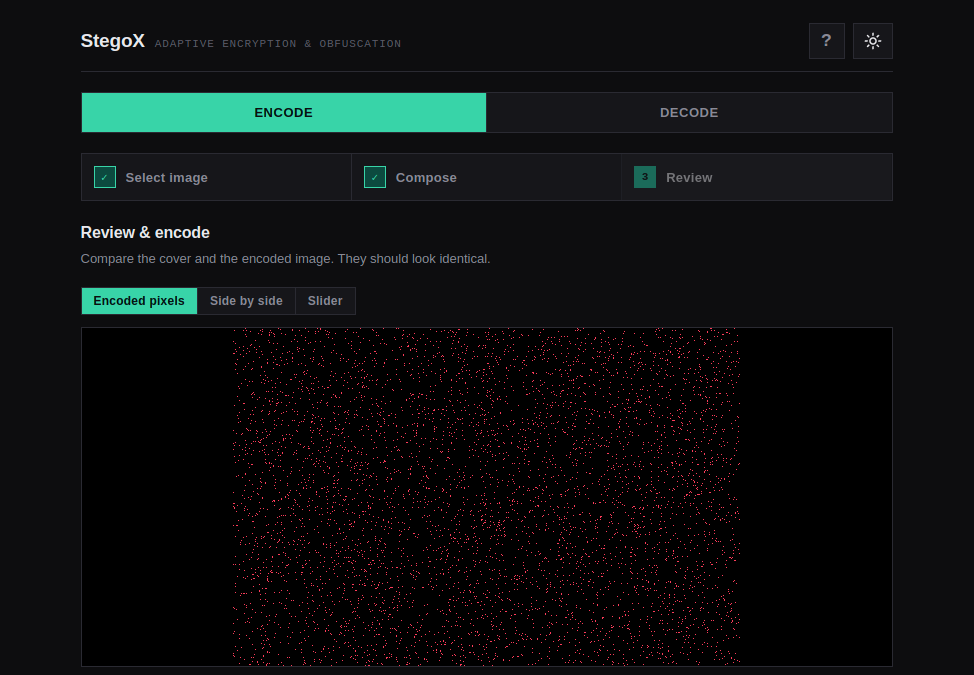
The interface walks you through a 3-step flow: Select image → Compose → Review & encode. Decoding reverses the process with the same password.
Features
- AES-256-GCM encryption - authenticated encryption with a key derived from your password.
- Variance-adaptive LSB steganography - 1 bit per channel, written only to pixels whose local variance exceeds a computed threshold. Busy/noisy images hide more data and hide it better.
- Password-keyed pixel selection - the password determines which pixels carry data, not just how it's encrypted.
- Two payload types - plain text or a full secret image (embedded verbatim as PNG bytes).
- Live capacity meter - shows exactly how much the selected cover can hold before you commit.
- Visual verification - compare cover vs. encoded image with a side-by-side view, an interactive slider, or a pixel-modification map.
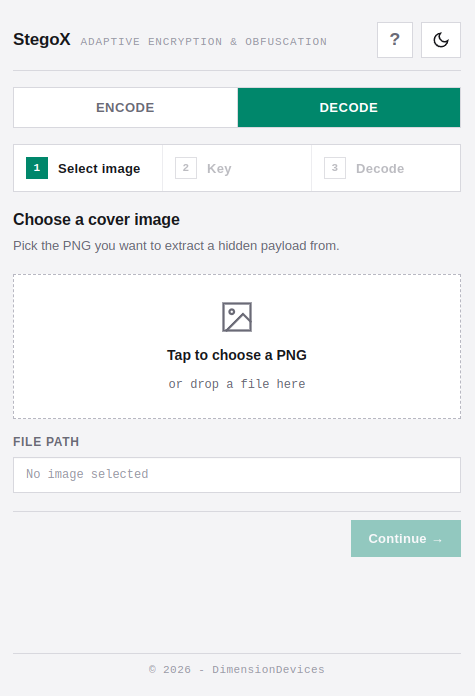
- Dark / light theme - follows system preference, with manual override.
- Cross-platform - runs on Windows, macOS, and Linux.
How It Works
Encoding pipeline
- Payload preparation - the text or image bytes are serialized with a small header (kind, length, etc.).
- Encryption - the payload is encrypted with AES-256-GCM. The password is stretched into a key, and a random nonce + auth tag are generated.
- Pixel selection - the cover is scanned and each pixel's local variance is computed. Pixels above a derived threshold become candidates.
- Embedding - the encrypted payload (plus header) is written 1 bit per channel into the candidate pixels, in an order determined by the password-derived seed.
- Output - a new PNG is written. The original is untouched.
Decoding pipeline
- The same password derives the same key and the same pixel-selection seed.
- The header is read from the candidate pixels, giving the payload length and kind.
- The ciphertext is extracted, decrypted, and authenticated.
- The payload is returned as text or as a reconstructed PNG.
Capacity
Capacity depends on the cover's texture and on the password (which changes the candidate set):
| Cover content | Rough capacity |
|---|---|
| Smooth (sky, gradients, solid colors) | ~2–5% of file size |
| Average photo | ~8–12% of file size |
| Busy / noisy (foliage, texture, crowd) | ~15–25% of file size |
For a 100 KB cover: roughly 2–5 KB (smooth), 8–12 KB (average), or 15–25 KB (busy).
To hide a 100 KB secret image, you'll need a cover roughly:
| Cover type | Cover size needed |
|---|---|
| Smooth | ~2–5 MB |
| Average photo | ~800 KB – 1.2 MB |
| Busy photo | ~400–700 KB |
The capacity meter in Step 2 measures this precisely for your specific cover and password - trust that number over any estimate.
Usage
Encoding
- Select image - click the dropzone or drag a PNG in. PNG is required for lossless embedding; JPEG will be rejected.
- Compose -
- Choose Text or Image as the payload type.
- Type your secret message, or pick a secret image.
- Enter a password. This is required and also keys the pixel selection.
- Choose an output file with Save as….
- Watch the capacity meter - you can't continue until the payload fits.
- Review & encode -
- Switch between Encoded pixels, Side by side, and Slider views.
- Click Encode to produce the output PNG.
Decoding
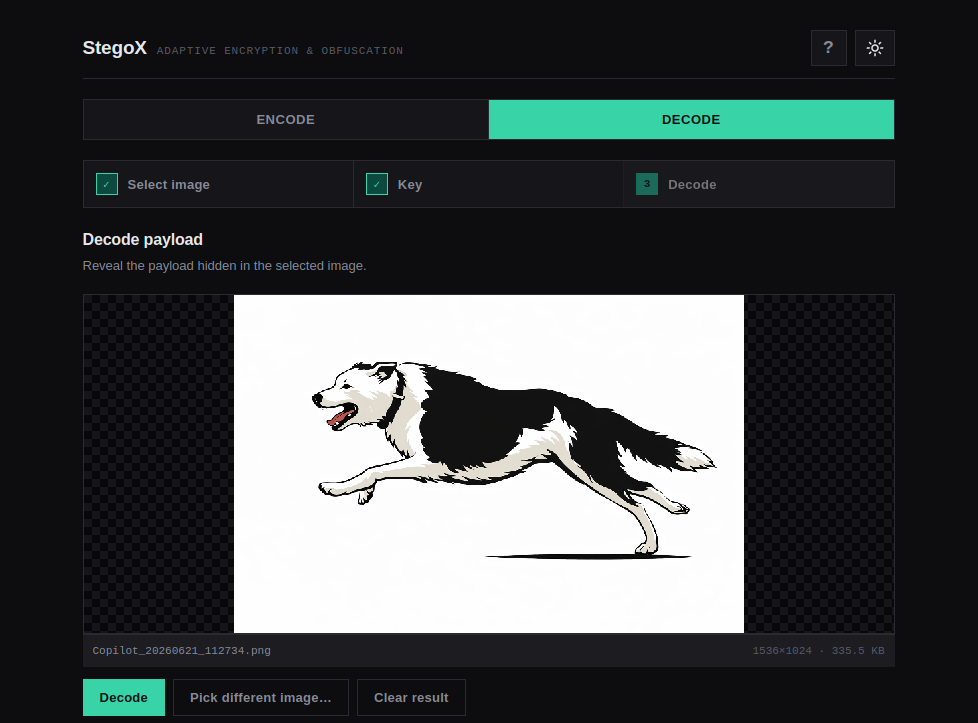
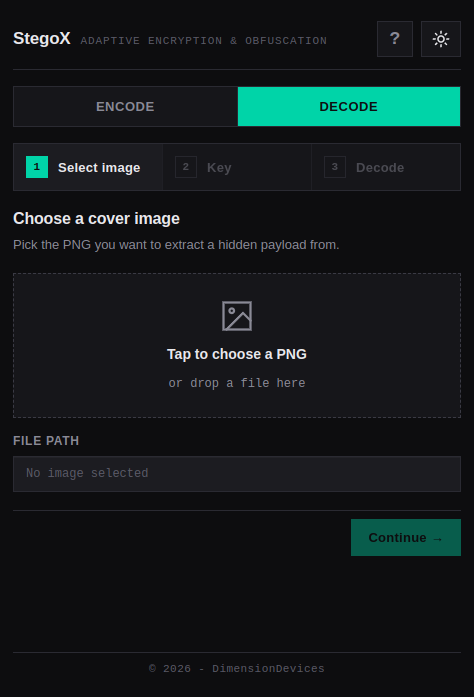
- Switch to the Decode tab.
- Select the encoded PNG (the file you created with StegoX).
- Enter the same password used during encoding.
- Click Decode - the hidden text or image is revealed.
- For images, use Save decoded… to write the result to disk.
Shortcut: Ctrl/Cmd + D jumps straight to decoding with the currently selected image.
Tips
- Use a strong, unique password. It protects the payload and controls which pixels are modified. A wrong password doesn't just fail decryption - it selects the wrong pixels and yields garbage.
- PNG only. Lossless embedding is essential. JPEG's lossy compression will destroy the hidden data.
- Bigger, busier covers hold more. A high-texture photo can hide 5–10× more than a smooth gradient.
- The output looks identical. If you can see a difference, something went wrong - compare with the slider view to verify.
- Keep the original safe. Re-encoding an already-encoded image will overwrite the hidden data.
Legal & Ethical Use
⚠ Read before using.
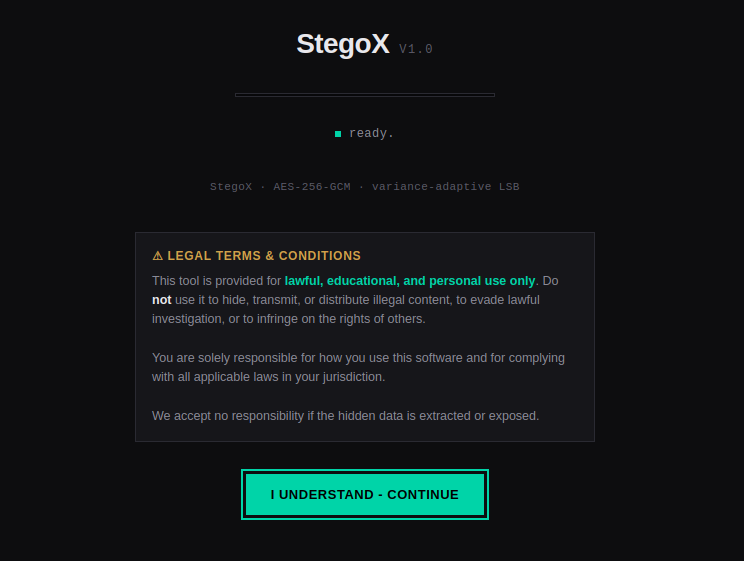
StegoX is provided for lawful, educational, and personal use only. Do not use it to hide, transmit, or distribute illegal content, to evade lawful investigation, or to infringe on the rights of others.
You are solely responsible for how you use this software and for complying with all applicable laws in your jurisdiction.
The authors accept no responsibility if hidden data is extracted or exposed.
Steganography is a dual-use technology. The same properties that make it useful for privacy and journalism also make it attractive for abuse. Please use it responsibly for freedom of information and fun projects only.
Purchase
In order to download this tool you must purchase it at or above the minimum price of £5 GBP. You will get access to the following files:
Leave a comment
Log in with itch.io to leave a comment.